
In this technical deep-dive, we unravel the power of Server-Sent Events (SSE), a game-changing web technology that simplifies real-time communication. Developers often struggle with complex, resource-intensive methods for creating live updates, but SSE offers an elegant solution that’s both lightweight and powerful.
Unlocking Real-Time Updates with Minimal Complexity#
Ever wondered how to create a real-time web application without the heavyweight complexity of WebSockets? Let me introduce you to the unsung hero of web communication: Server-Sent Events (SSE).
What are Server-Sent Events?#
SSE is a lightweight, browser-supported technology that allows a web page to receive automatic updates from a server. Unlike traditional polling or complex WebSocket setups, SSE provides a straightforward way to stream data from the server to the client.
Why SSE?#
- Simplicity: Just a few lines of code
- One-way communication: Perfect for live feeds, notifications, and real-time dashboards
- Native browser support: No additional libraries required
- Lightweight: Less overhead compared to WebSockets
A Practical Example: System Resource Monitor#
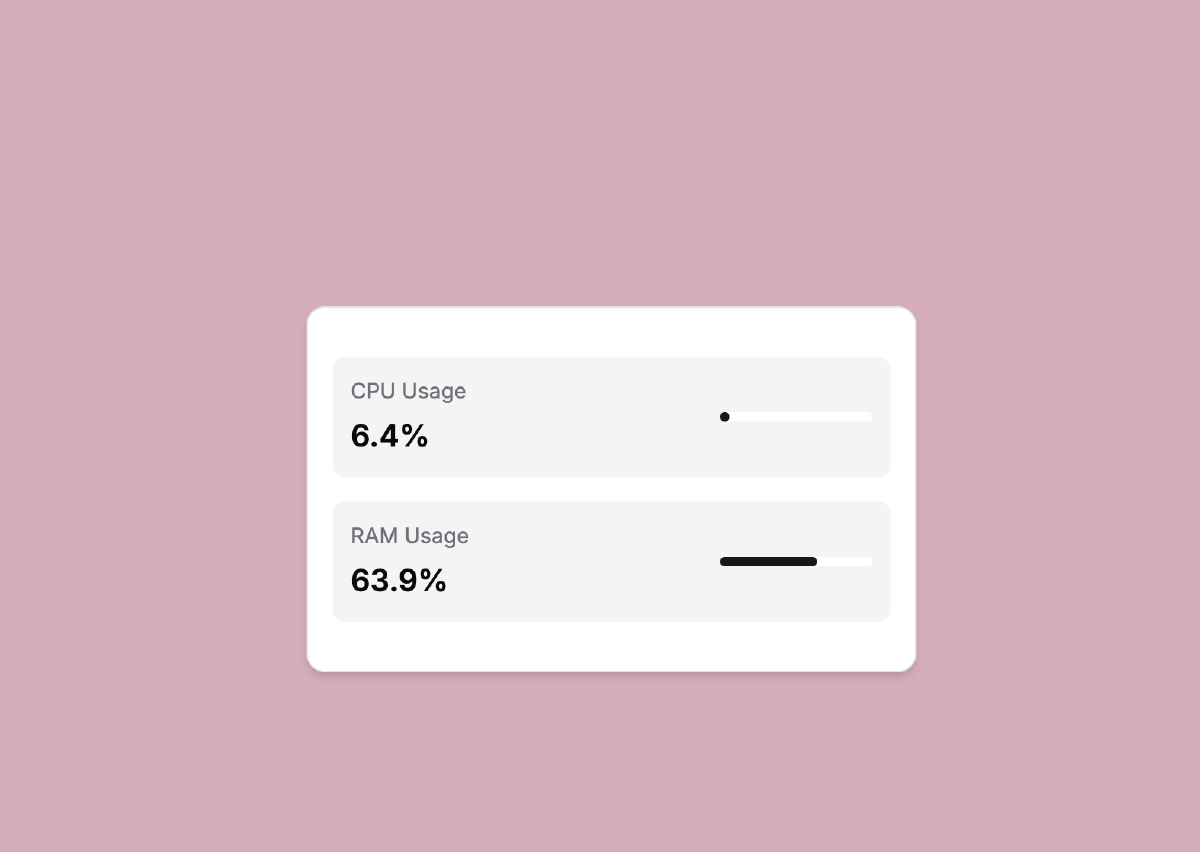
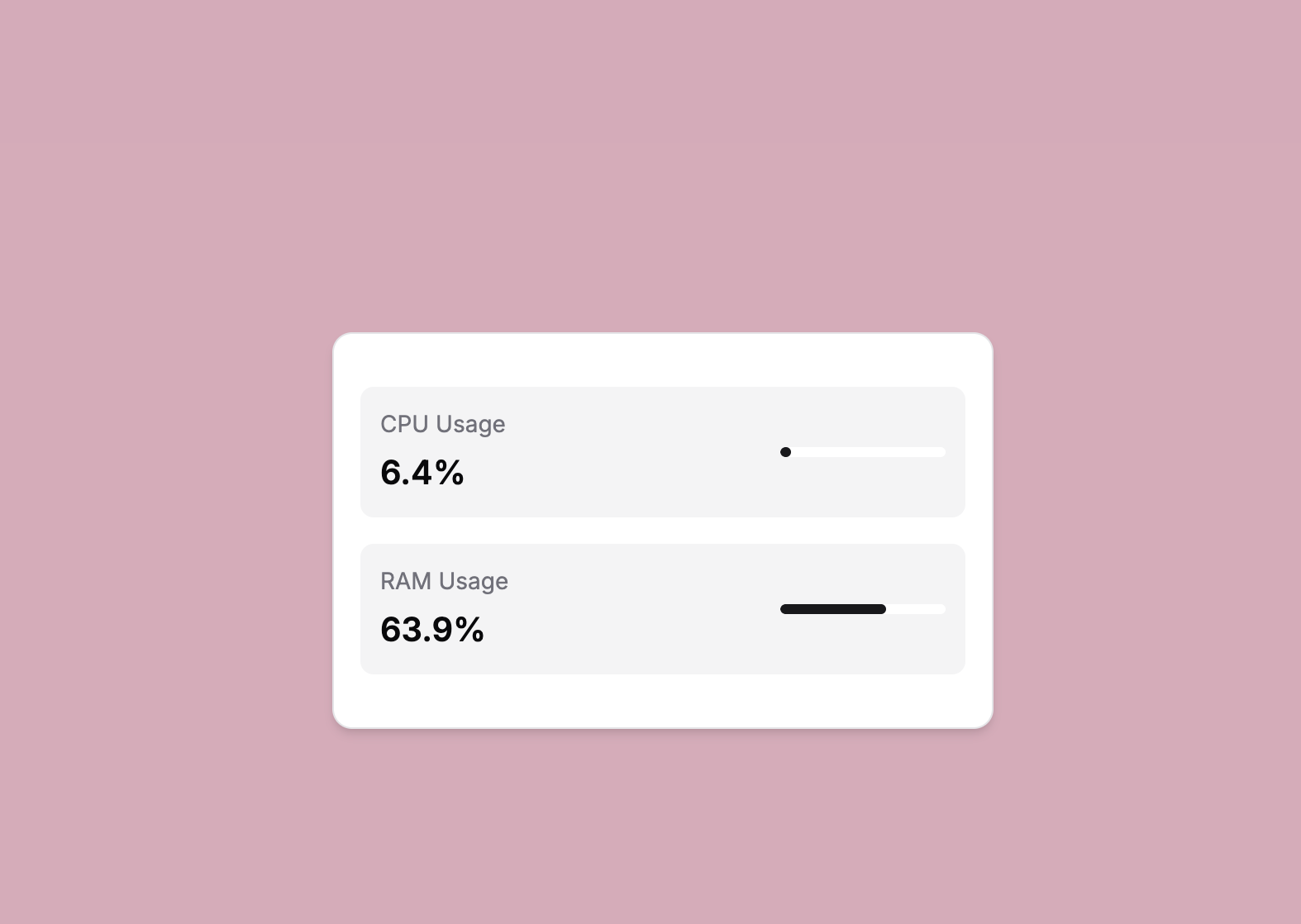
I’ve created a demonstration repository that shows just how easy it is to implement SSE. In this project, we build a real-time system resource monitor that:
- Streams CPU and RAM usage data
- Updates the dashboard in real-time
- Uses less than 50 lines of Python code
Key Components#
- Flask for the backend
- Server-Sent Events for real-time streaming
- Simple HTML/JavaScript for the frontend
Code Snapshot: The Magic of SSE#
def generate_usage():
    while True:
        cpu = psutil.cpu_percent(interval=1)
        ram = psutil.virtual_memory().percent
        yield f'data: {{"cpu": {cpu}, "ram": {ram}}}\n\n'
        time.sleep(1)  # Push updates every second

@app.route("/stream")
def stream():
    return Response(generate_usage(), content_type="text/event-stream")
That’s it! Just a few lines to create a real-time data stream.
Want to See It in Action?#
Check out the full repository: https://github.com/Joel-hanson/sse-stream
Dive into the code, experiment, and discover how simple real-time web applications can be!
Key Takeaways#
- SSE is incredibly straightforward
- Real-time updates don’t need to be complicated
- A few lines of code can create powerful, live applications
Happy Coding!
Pro Tip: SSE is perfect for scenarios like live feeds, stock tickers, system monitors, and more!
For more Kafka Connect tips and open-source tools, follow the blog series